Local development
Local development means writing your VIKTOR app in Python on your own machine, using your preferred IDE (such as VS Code or PyCharm) and connecting to the VIKTOR platform through the VIKTOR CLI. It gives you full control over your code, packages, and tooling — the right choice once your app outgrows the App Builder or when you want to use features like Git, automated testing, or desktop software integrations.
This page walks you through installing VIKTOR locally, running your first app, and getting familiar with the tools you'll use day-to-day.
Getting started with Local development
Follow the steps below to get started with local development:
Install VIKTOR
To start developing apps locally you need to install Python and VIKTOR on your own computer.
Learn moreCreate your first app
Follow our starter guide to learn how to create your first app step by step.
Learn moreLearn the fundamentals
Learn about the basic structure of a VIKTOR app and the available app types, inputs, results and layouts.
Learn moreTry one of our tutorials
To see some more examples and improve your skills, pick one of our tutorials and learn more about creating awesome VIKTOR apps!
Learn more
Tools
At the start of your developer journey, all the different terms can feel a bit overwhelming. So here’s a quick summary of the main tools you’ll be using:
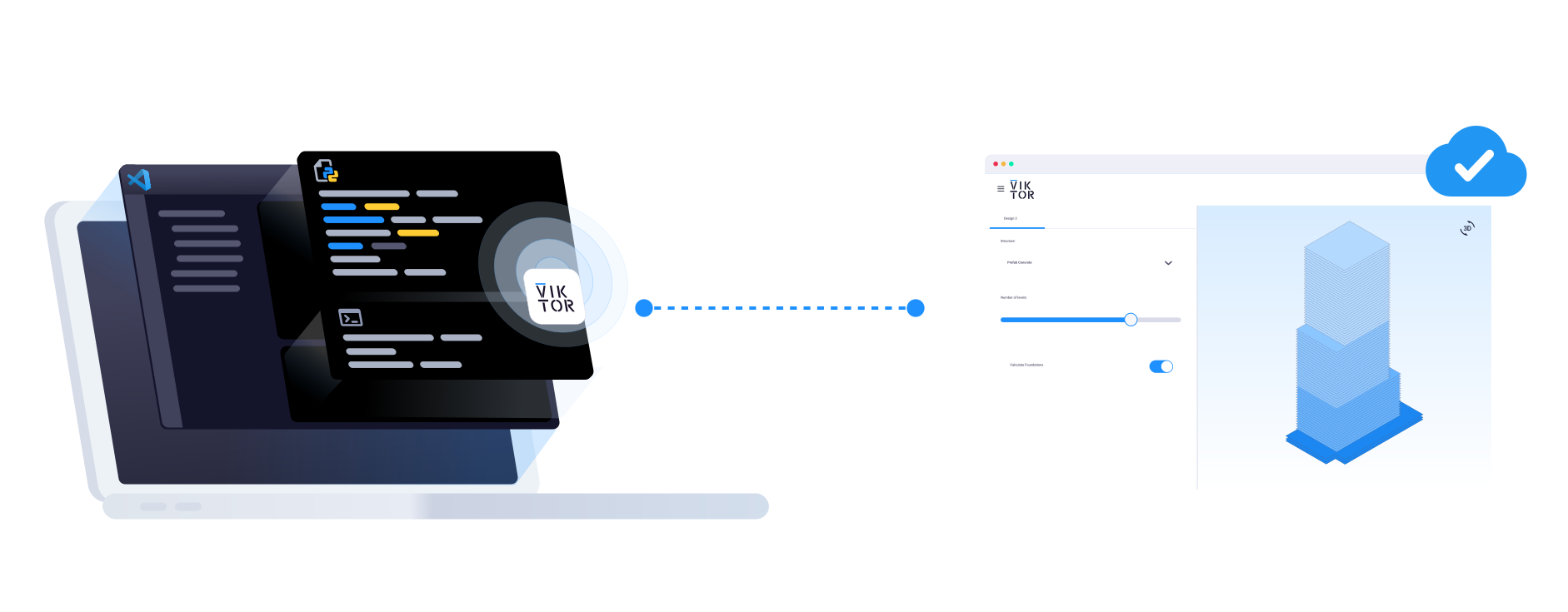
IDE (Integrated Development Environment)
This is the program you use to develop your VIKTOR app. Popular choices are Visual Studio Code or PyCharm. These IDEs include a couple of helpful features:
- Code editor: where you write and edit your app’s code.
- Terminal: a place where you can type commands to your computer. You’ll use it to run your app and connect it to VIKTOR platform using the VIKTOR CLI.
For more information on how to setup your code editor, go to: Setting up code editor.
Python
This is the programming language used to write VIKTOR apps. We chose Python because it is designed to be readable and beginner-friendly.
VIKTOR supports Python 3.10 - 3.14 (64-bit). Python can be downloaded from the official website.
VIKTOR SDK (Software Development Kit)
The VIKTOR SDK is a Python package that gives your app everything it needs to become a VIKTOR app: ready-made components and helpful utilities that you use to build your app. You install it on your computer and use it in your Python code.
That’s why you put import viktor as vkt at the start of your app.py file — it tells Python that you want to use the tools from the VIKTOR SDK in your app.
VIKTOR CLI (Command Line Interface)
A small helper program you use in the terminal to start your app and connect it to the VIKTOR platform. For more information about the CLI and all available commands, go to VIKTOR CLI.
VIKTOR Platform (in the browser)
This is where your app actually runs and is displayed. While you write your code and start your app from your computer, the VIKTOR platform runs your app in the cloud. You can open it in your browser to see the app, interact with it, and check your results — exactly as your users will.
Packages & dependencies
When developing locally, app dependencies need to be specified in your app's requirements.txt file.
For more information about packages & dependencies, go to Using Python Packages.
If you encounter any problems during installation, or starting with local development check the FAQ for common solutions. Still stuck? Our developers are ready to help you on the Community Forum.