Get started with VIKTOR
New to VIKTOR? Then you're in the right place. This is your go-to place for all the important info you need to start using VIKTOR. Here, you’ll find links to everything from the basics of VIKTOR, how it works and is organized, to creating apps and understanding the VIKTOR interface. Happy exploring!
Using VIKTOR

What is VIKTOR?
- Why use VIKTOR?
- How VIKTOR works
- What can you do with VIKTOR?

How is VIKTOR organized?
- Build apps
- Connect apps
- Share & use apps
Creating apps
Want to start creating your own app? We recommend you start with the App Builder. It’s the easiest and quickest way to create an app. Prefer your own IDE. It's also possible to install and develop VIKTOR apps locally.
See Two ways to build a VIKTOR app for more information about the differences in build methods.
Getting started with the App builder
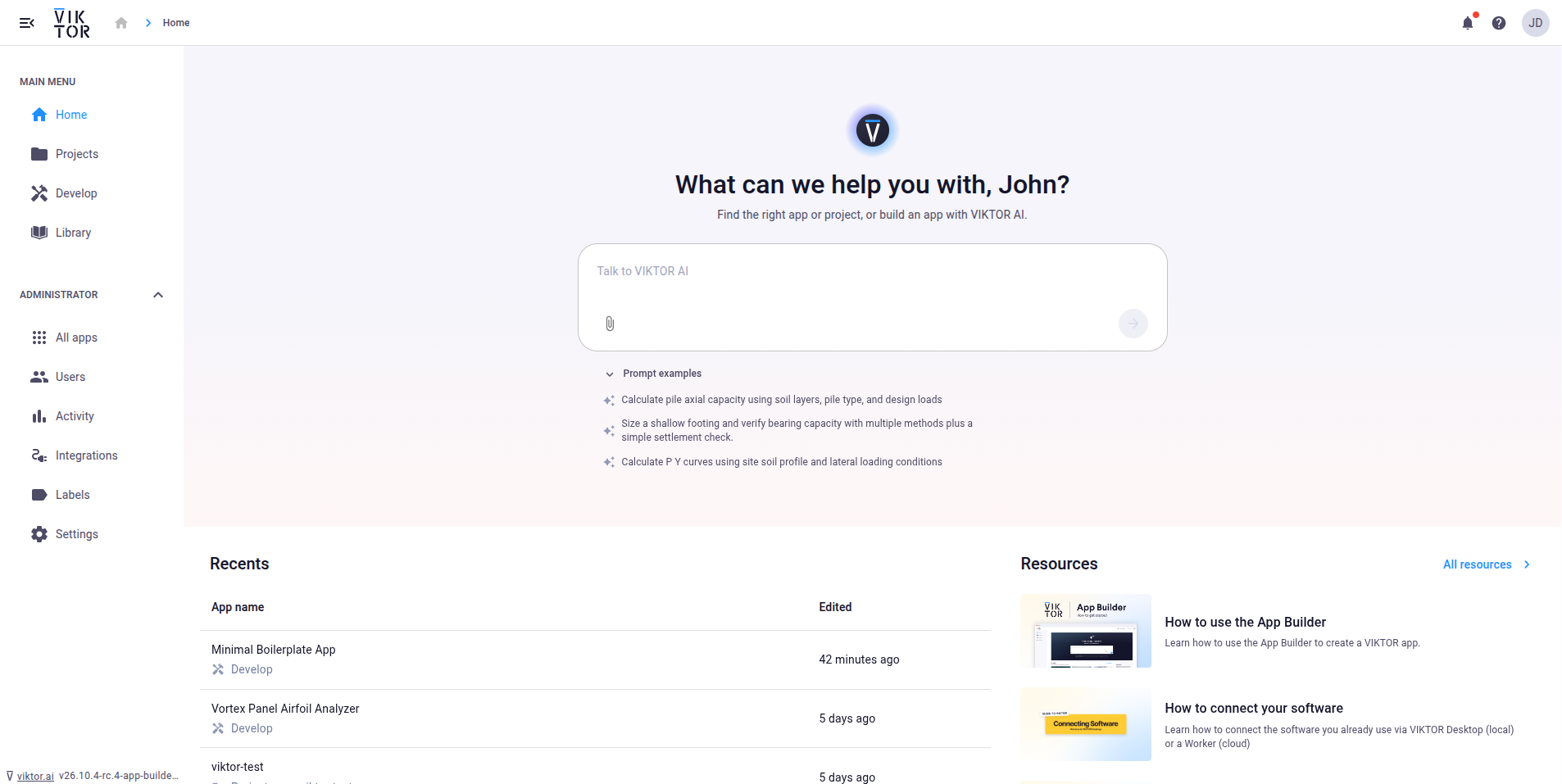
You can start a new app directly from the Home page in the VIKTOR environment.
- Describe the app you want to build in the prompt field at the top of the Home page. Make clear that you want to create a new app, for example "Create an app that calculates the bending moment of a beam". You can also click one of the example prompts below the field to fill it in.
- The agent finds existing apps that match your request and offers Start building.
- Click Start building to open the App Builder with your prompt carried over.
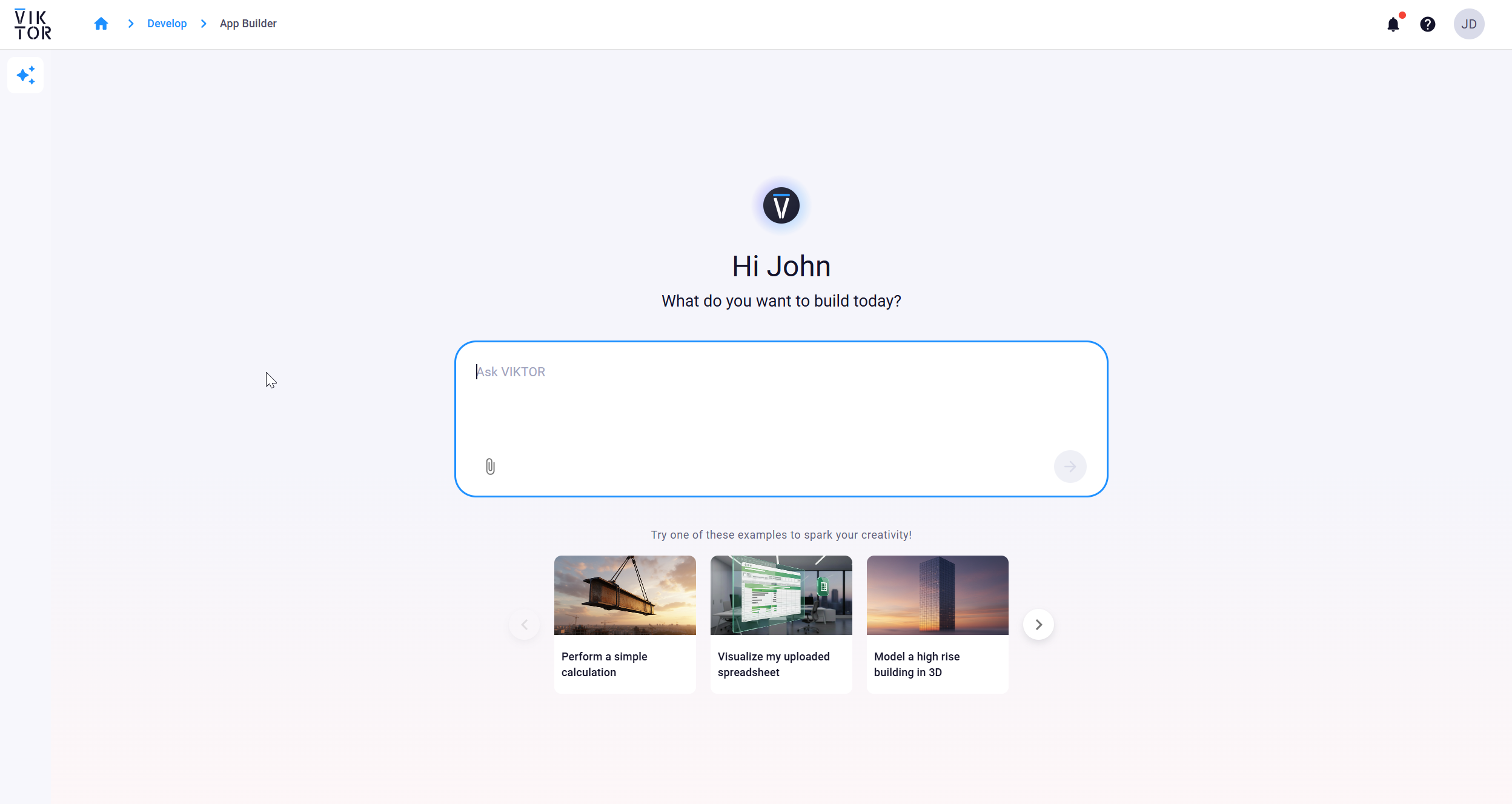
Go to App Builder for more detailed information on how to use the App builder, its features and limitations.
Getting started with Local development
To start developing apps locally you need to install Python and VIKTOR on your own computer. That is assuming you already have an IDE installed.
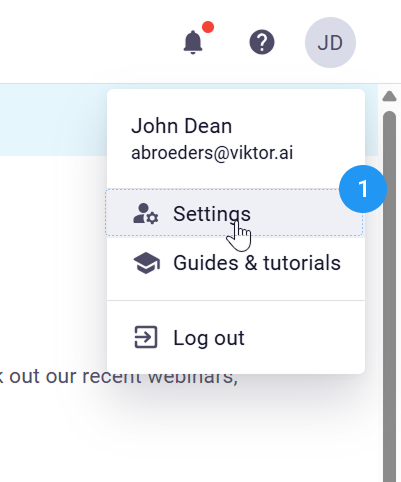
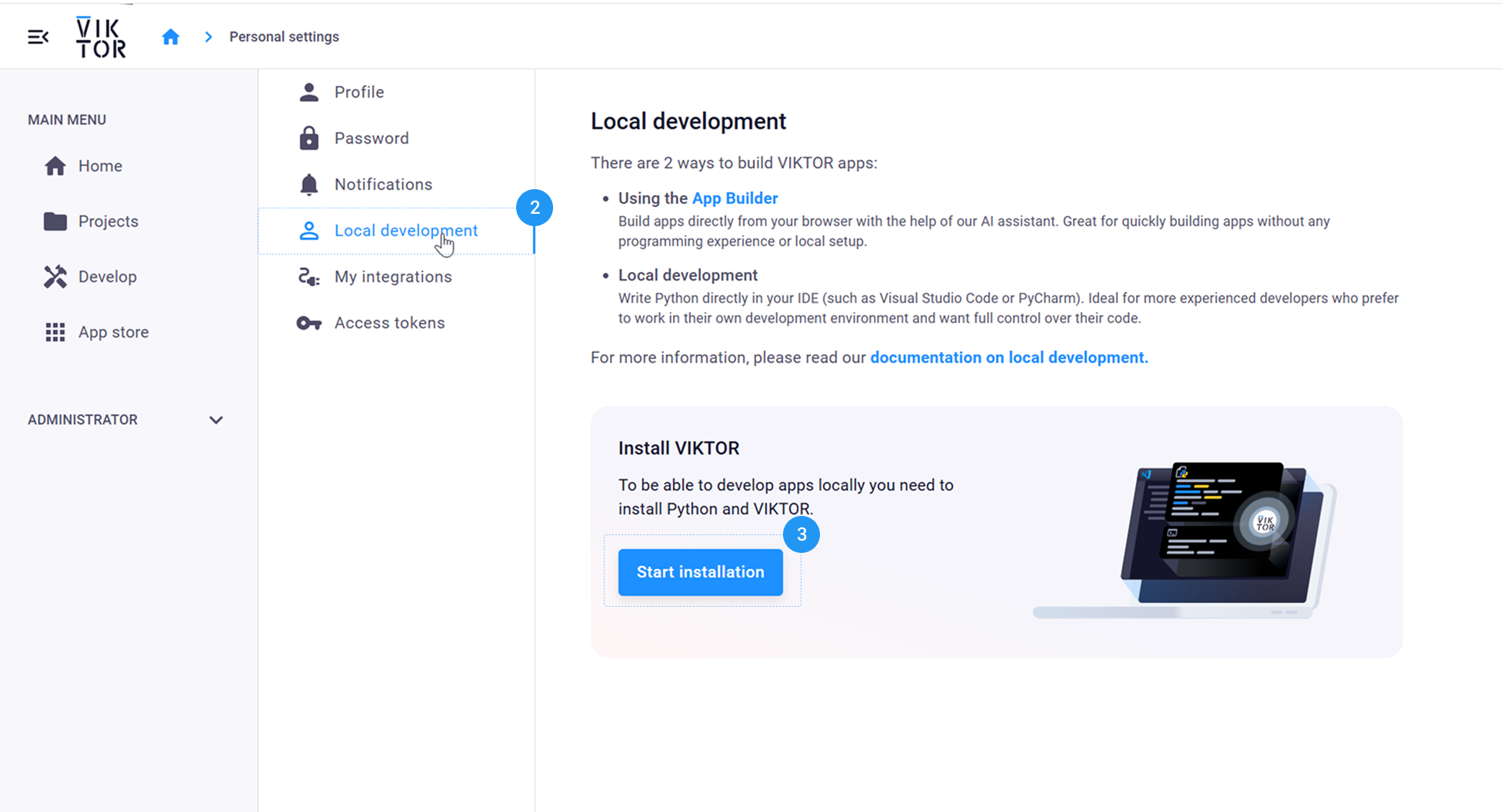
- Go to your personal settings > local development.
- Here you click on Install VIKTOR.
- The pop-up will guide you through the installation process.
After you complete the installation, you can continue to the next step, the starter guide.
- Starter guideLearn more
Learn the basics of developing an app in VIKTOR
Go to local development to learn all about the different tools you will be working with.
Fundamentals
Whether you start with the App Builder or develop your app locally. It’s good to know some basics.

Basic app structure
- App file structure
- Inputs (parametrization)
- Results & visualizations

App types
- Editor type
- Simple type
- Tree type
VIKTOR components
Learn about the different types of fields and visualizations VIKTOR has to offer.
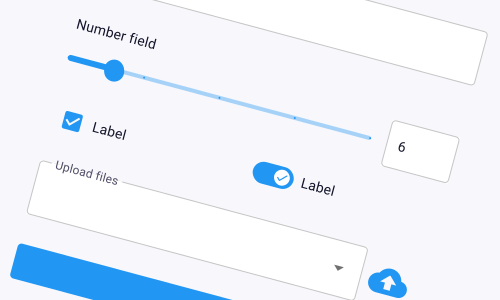
Inputs
Add fields, sliders, uploads, etc so users can give your app the information it needs.
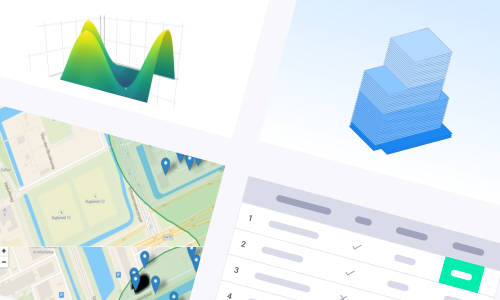
Results
Show plots, charts, 3D models, tables and maps to visualize the results.
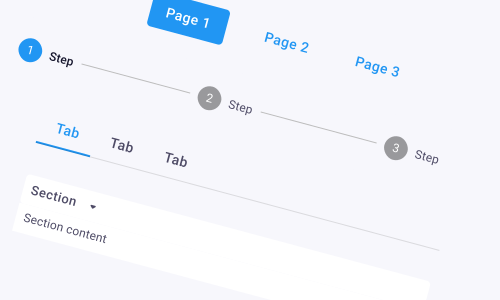
Layouts
Arrange how inputs, results, and other elements appear to make your app easy and intuitive to use.
Integrations
Eliminate manual data transfers between different software packages and disciplines.
- IntegrationsLearn more
Learn more about the integration options VIKTOR offers.
Collaboration
Share your apps and collaborate with your team.
- Sharing your appLearn more
Learn how to collaborate with other users on your app.