Develop apps
This section is your go-to place when you are developing. It gives you an overview of all tools you have at your disposal as a VIKTOR developer, including the different ways of creating apps, an overview of all VIKTOR components and tutorials on how to use them.
Two ways to build a VIKTOR app
VIKTOR offers two ways to build apps: the App Builder and local development. Both produce the same kind of VIKTOR app — the difference is in how you write and manage the code.

App Builder
- Browser-based environment
- AI assitant
- Great for getting started quickly.

Local development
- Write your app code in your preferred IDE on your own computer
- Better suited for larger or more complex apps.
See Two ways to build a VIKTOR app for a side-by-side comparison.
Fundamentals
Whether you start with the App Builder or develop your app locally. It’s good to know some basics.

Basic app structure
- App file structure
- Inputs (parametrization)
- Results & visualizations

App types
- Editor type
- Simple type
- Tree type
VIKTOR components
Learn about the different types of fields and visualizations VIKTOR has to offer.
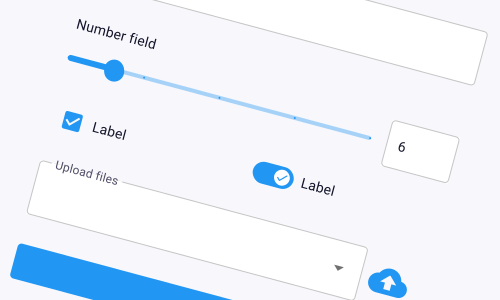
Inputs
Add fields, sliders, uploads, etc so users can give your app the information it needs.
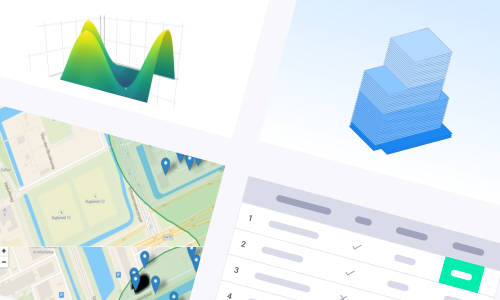
Results
Show plots, charts, 3D models, tables and maps to visualize the results.
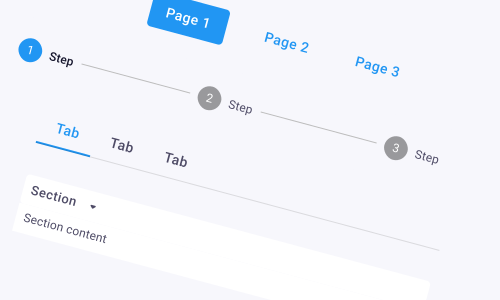
Layouts
Arrange how inputs, results, and other elements appear to make your app easy and intuitive to use.
Integrations
Eliminate manual data transfers between different software packages and disciplines.
- IntegrationsLearn more
Learn more about the integration options VIKTOR offers.
Collaboration
Share your apps and collaborate with your team.
- Sharing your appLearn more
Learn how to collaborate with other users on your app.