VIKTOR SDK
The VIKTOR SDK is a Python package that gives your app everything it needs to become a VIKTOR app: ready-made components and helpful utilities that you use to build your app. You install it on your computer and use it in your Python code.
That’s why you put import viktor as vkt at the start of your app.py file — it tells Python that you want to use the tools from the VIKTOR SDK in your app.
There are two types of documentation to guide you:
- General documentation – written in plain language and full of examples. It's great if you're new to the SDK or just want to understand how it works.
- SDK Reference documentation – a more detailed, technical guide that lists all the functions and options you can use. Think of it as a dictionary for the SDK: you can use it to look up something specific whenever you need it.
Together, these documents help you understand the SDK and give you the tools to create your own VIKTOR apps.
- Upgrading your SDK versionLearn more
Keeping your VIKTOR SDK up to date is important to make sure your apps can use the latest features, improvements, and bug fixes.
General SDK documentation
Before you start diving into the details it’s good to learn the general concepts of VIKTOR.

Basic app structure
- App file structure
- Inputs (parametrization)
- Results & visualizations

App types
- Editor type
- Simple type
- Tree type
VIKTOR components
Learn about the different types of fields and visualizations VIKTOR has to offer.
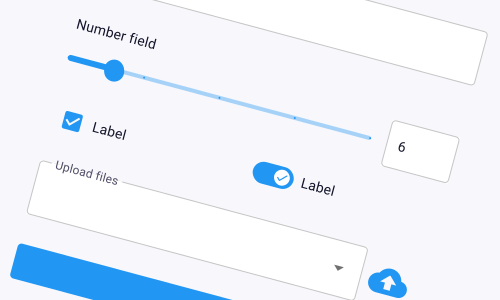
Inputs
Add fields, sliders, uploads, etc so users can give your app the information it needs.
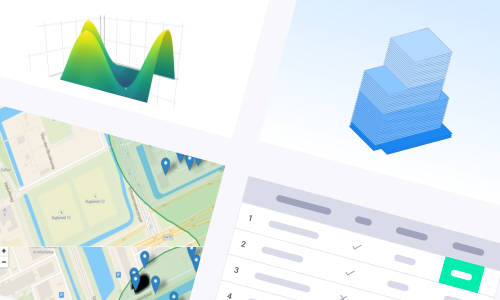
Results
Show plots, charts, 3D models, tables and maps to visualize the results.
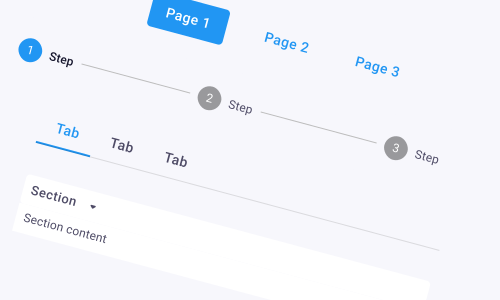
Layouts
Arrange how inputs, results, and other elements appear to make your app easy and intuitive to use.
SDK Reference
For a complete list of all functions, classes, and options in the SDK, check out the SDK Reference documentation.
A list of all notable changes per SDK version can be found in the Changelog.