Dashboard
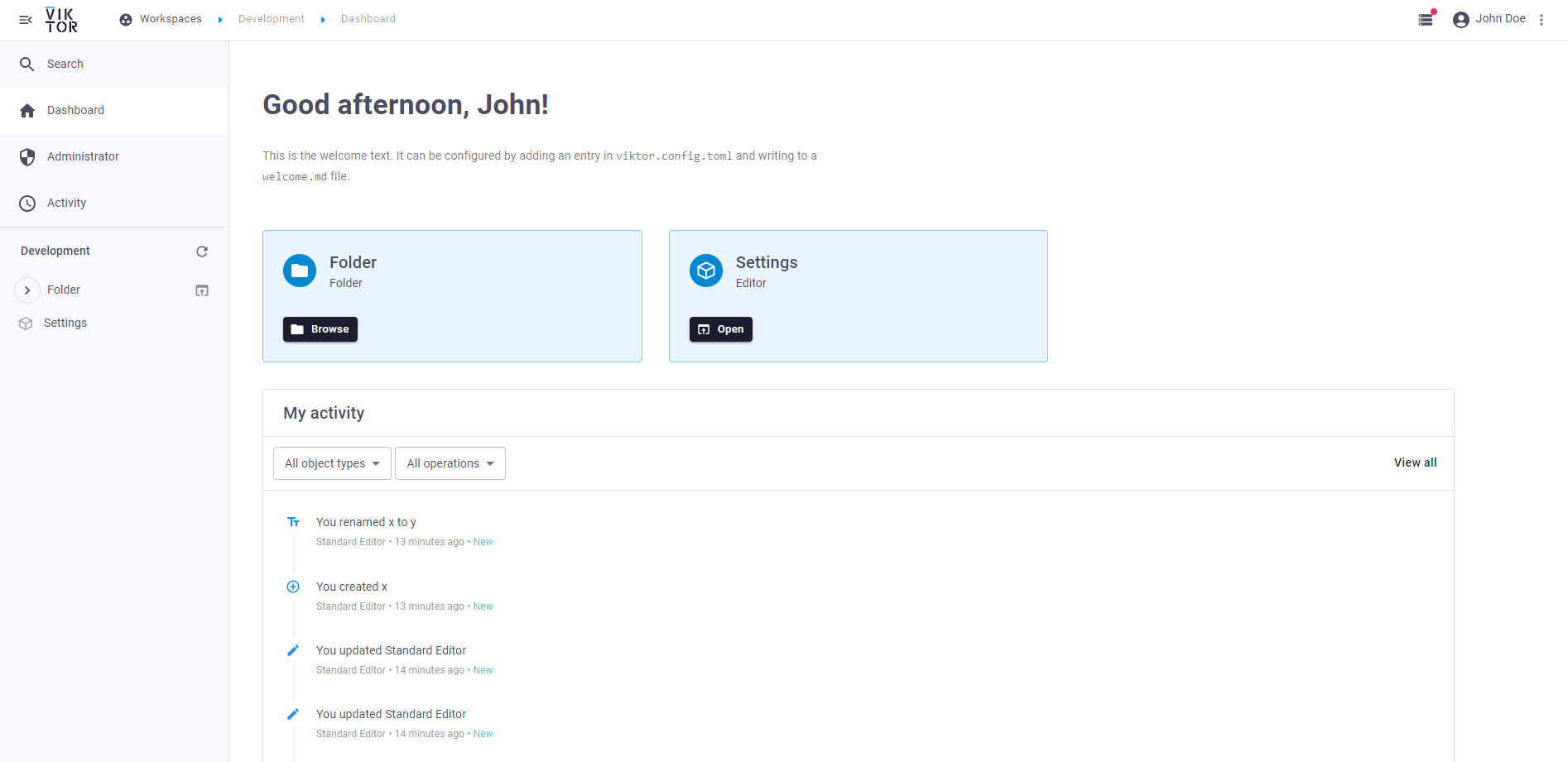
The dashboard is an overview page with data on the current app instance, such as a welcome text, activity data, and quick links to top-level entities. This page explains the possibilities of tweaking the dashboard page.
tip
For a tree-type app, the dashboard is the start page by default. It is possible to use an entity as start page instead.
Welcome text
The welcome text is shown on the top of the page and can be set in the viktor.config.toml file.
Top-level entity cards
Just below the welcome text, cards are shown that link to entities on the highest level (top-level entities), to enable
quick and easy access. By default, all top level entities are shown. The show_on_dashboard attribute can be set on
one or more initial entities to only show a
subset.